
| ?@ |  Change
password Change
password |
The system allows you to change password after login.
Please enter your old password and new password to finish the process.
 Procedures?G
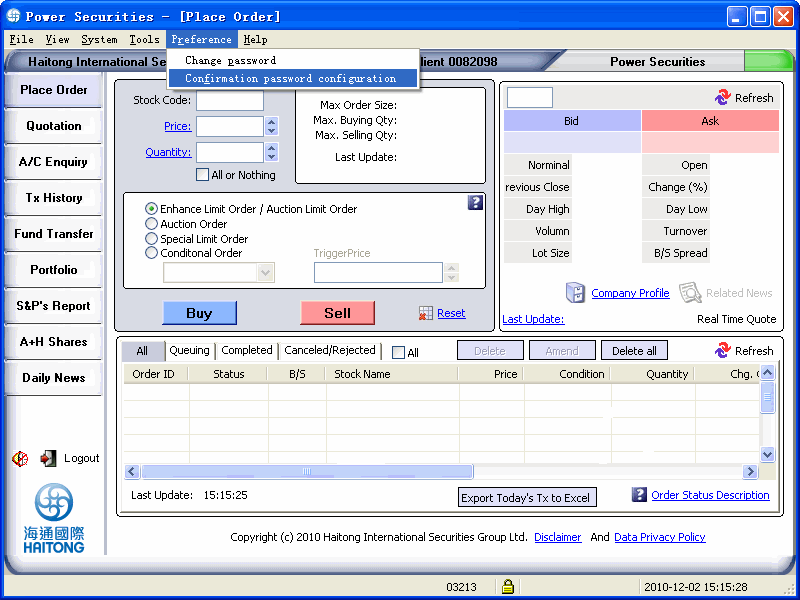
1. Go to [Preference] which is located on the top menu bar and select [Change Password].
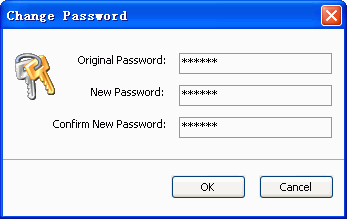
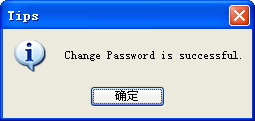
3.Pop up a reminder Tips.
|

 The password
is following by 6 to 8 digit or letters.
The password
is following by 6 to 8 digit or letters.