
| ?@ |  Logout Logout |
If you would like to login as a different user, you can logout from your
current account and automatically back to the login page.
 Procedures:
1. Go to ??file?? from the top menu bar and select [logout]:
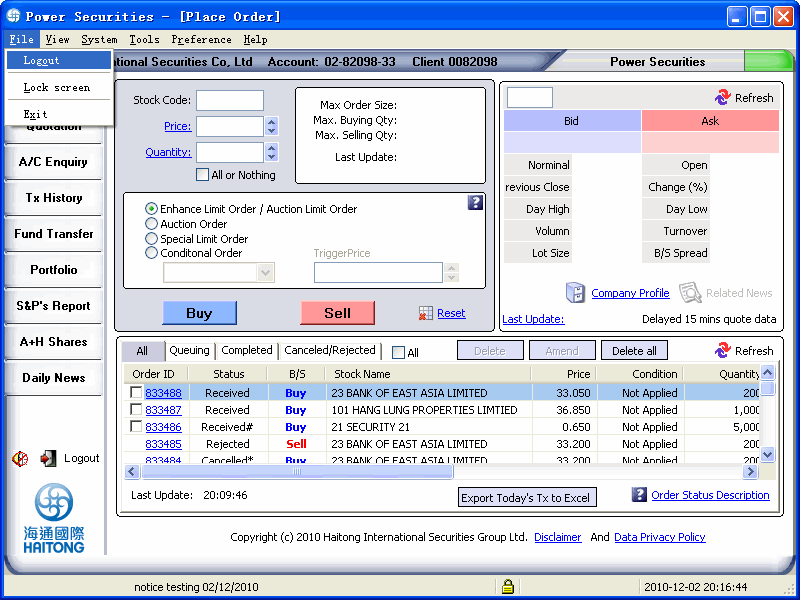
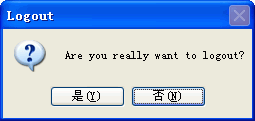
2. Press [Enter] to logout from the current account and back to the login
page.
You can also perform below stops to logout the application:
1.You can press the [logout] icon that is located under the left hand side function buttons as below.
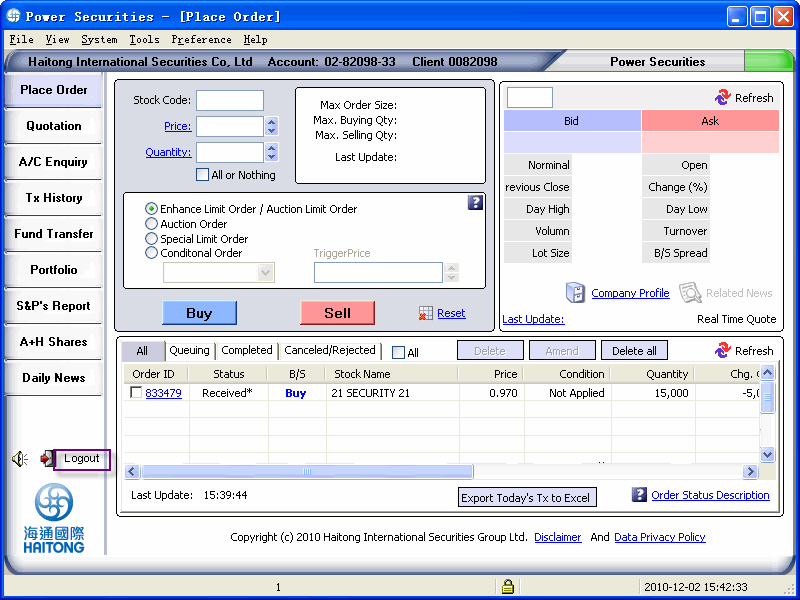
2.Press [Yes] to logout from the current account and back to the login page.