
| ?@ |  New
version checkout New
version checkout |
A pop up reminder for automatic upgrade will be shown if there is any
new versions.
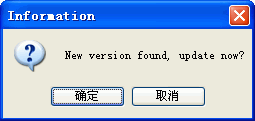
1.Click the button [enter], then select download address at your hobby.
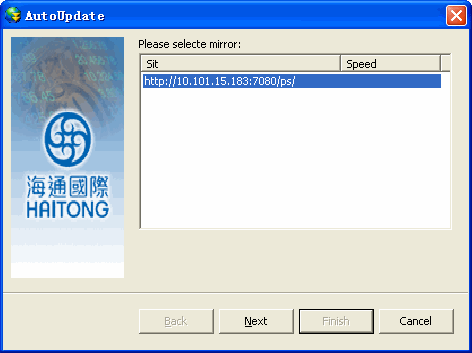
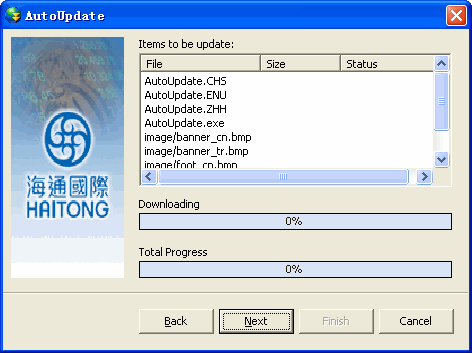
2. Click on [Next] button and now the system is starting to process your
request.
After that, the system will automatically pop up login page.
3.Ater system finished autoupdate which whould show the information to
you.
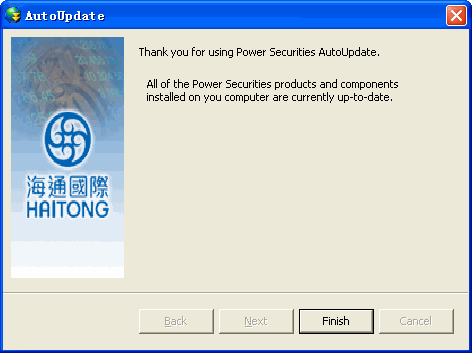
You also can go to [Help] and select [Check for update] to run the update:
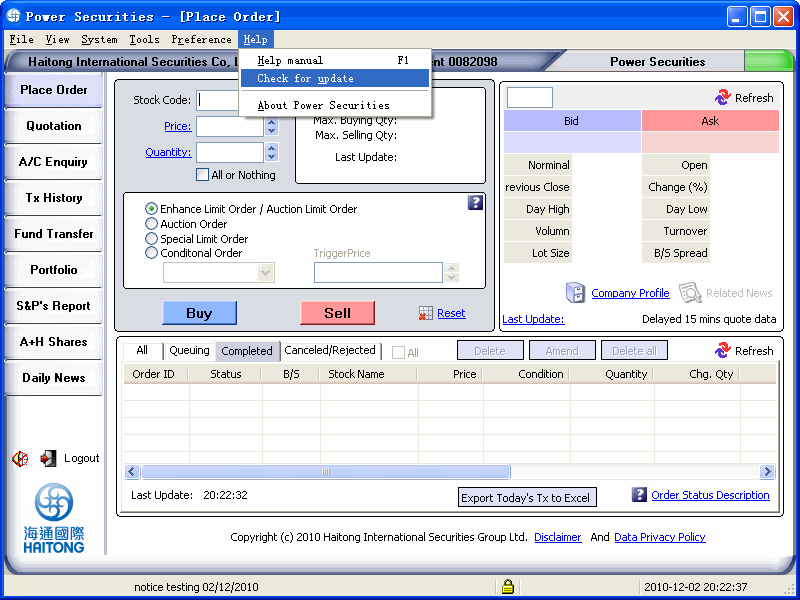
The next operation step as the same as above-mentioned.If there is no
new version ,a information window will pop up to reminder you.
